

Author Resource Page vs Book Bonus Page: Which Do You Need?

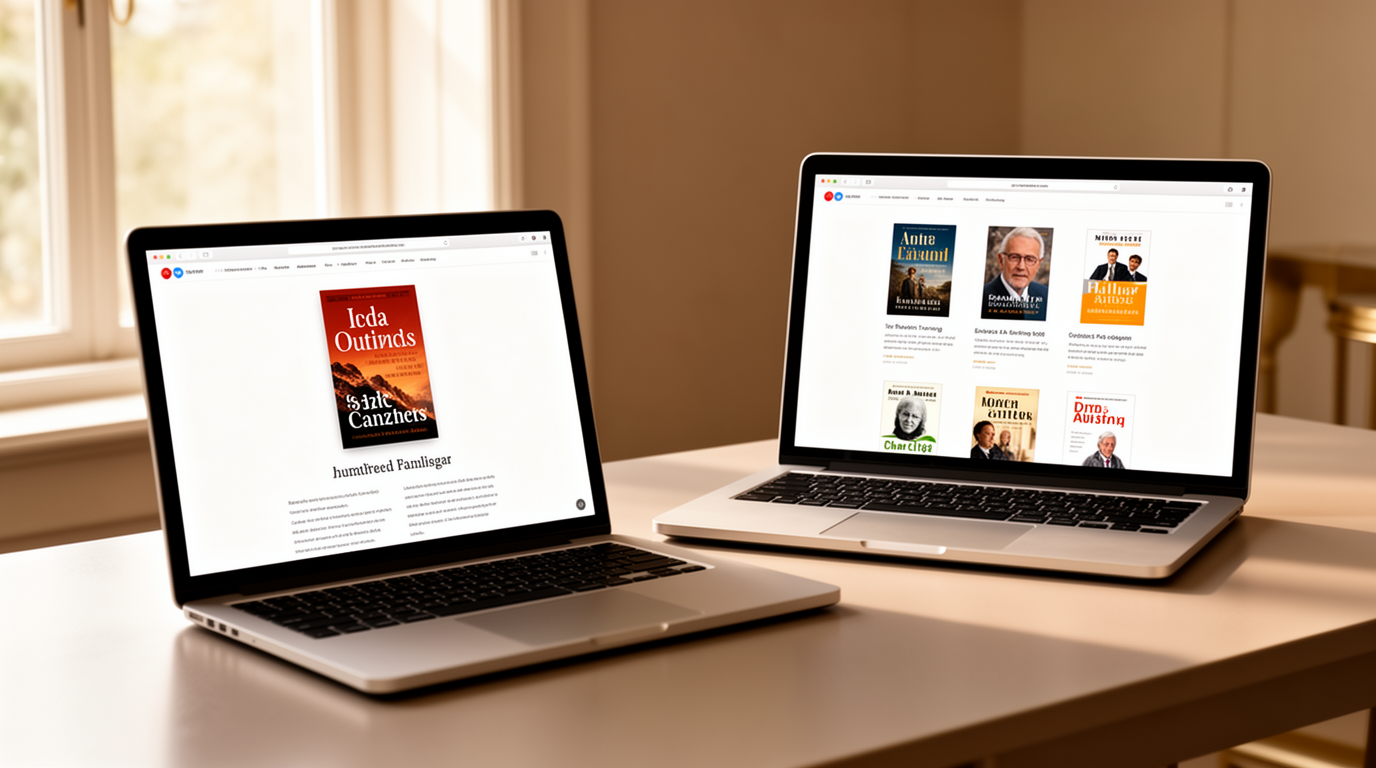
An author resource page and a book bonus page can both deepen a reader's relationship with your work, but they belong at different levels of an author platform. The resource page helps people explore your broader expertise, books, interviews, tools, and next steps. The bonus page supports one title with supplementary material such as downloads, discussion prompts, references, exercises, deleted scenes, or updates. Choosing the right page keeps visitors from sorting through unrelated material.
Author resource page vs book bonus page: the quick answer
Build an author resource page when the visitor's need extends beyond one book. Build a book bonus page when the material makes a specific reading experience more useful or enjoyable. Authors with several books or professional services may eventually need both. Keep their purposes separate, use descriptive links between them, and avoid placing every download on one crowded page.
What is an author resource page?
An author resource page is a durable hub organized around the author's audience and subject area. It may connect books, articles, interviews, media materials, recommended tools, speaking topics, discussion resources, and contact paths. Its job is orientation. A new visitor should understand what the author helps with, where to begin, and which resource matches the visitor's current question.
What is a book bonus page?
A book bonus page is tied to one title, edition, or reader journey. It can provide a workbook, checklist, reading guide, source notes, maps, recipes, audio, templates, updates, or other material promised in the book. The page should clearly identify the title, explain what is available, and make access simple. Do not imply that a bonus is exclusive if it is publicly available.

Decide from the visitor's intent
Ask whether the visitor arrived because of the author or because of a particular book. Someone evaluating the author's expertise, media fit, or body of work needs the broader resource hub. Someone who typed a link from a chapter, scanned a code, or searched for a named download needs the book page immediately. Navigation should respect that intent instead of forcing a tour of the whole website.
What belongs on an author resource page
Use a short introduction, clear audience paths, featured books, cornerstone articles, interviews or appearances that can be verified, practical downloads, and a relevant contact or subscription option. Group resources by problem or goal rather than by publication date. Remove old links and duplicated files. A resource library becomes less valuable when visitors cannot tell which item is current.
What belongs on a book bonus page
Lead with the book cover, exact title, and a concise explanation of the bonus. State any edition, chapter, or access requirements accurately. Give the file a descriptive name and format, include accessibility information where useful, and explain how it complements the book. If email signup is required, say what the reader will receive and avoid hiding the exchange behind vague button text.
Free access, email gates, and trust
Not every bonus needs an email gate. A short reference list or correction may be more helpful when open. A substantial workbook or course-related sequence may reasonably connect to an email signup when the value and consent are clear. Do not force readers to subscribe for information required to understand a product they already bought. Trust grows when the exchange is proportionate and transparent.
SEO and discoverability
Give each page one distinct search intent. The author resource page may target a broader problem or expertise cluster, while the bonus page uses the exact book and resource name. Avoid creating several thin pages that compete for the same phrase. Use a clear title, useful meta description, accurate image alt text, descriptive internal links, and a canonical identity resolved by Wix.
Design for clarity and maintenance
Use scannable headings, short descriptions, consistent buttons, and enough space between sections. Show file type and approximate size when it helps. Test every download and form in a private browser window and on a phone. Keep one authoritative file instead of links named final, final-new, and revised. Add a review date to your internal workflow even if it is not displayed publicly.
Common mistakes
The biggest mistake is building a miscellaneous downloads page with no audience logic. Other problems include broken files, unclear ownership, unsupported claims, bonuses that no longer match the book, naked URLs, and promotional copy that overshadows usefulness. Do not invent reviews, results, partnerships, endorsements, or popularity signals. A smaller collection of accurate resources is stronger than a large, confusing archive.
Connect the pages without mixing them
Link from a book page to its bonus using the exact promised name. Link from the author hub to individual book resources only when they help that audience. On the bonus page, offer a restrained path back to the book or author site. These connections create a useful journey without turning every page into a menu of everything the author has ever produced.
How to measure success
Track qualified actions: downloads completed, relevant email signups, clicks to the correct book page, replies, contact requests, and recurring support questions. Page views alone do not show whether the resource worked. When readers repeatedly ask where to find a file, improve the label or placement. When a download receives traffic but no use, check the promise, format, and technical path.
The bottom line
The author resource page vs book bonus page decision comes down to scope. The resource page organizes the author's wider value; the bonus page fulfils a specific promise around one book. Start with the page your audience needs now, keep every file current, and connect the two only where the next step is genuinely helpful.
Frequently asked questions
What is an author resource page?
An author resource page is a durable hub that organizes useful books, articles, interviews, tools, downloads, and next steps around the author's wider audience.
What is a book bonus page?
A book bonus page provides supplementary material connected to one specific title, edition, chapter, or reader journey.
Do authors need both pages?
Not always. Authors with several books or a wider professional platform often benefit from both, provided each page keeps a distinct purpose.
Should a book bonus require an email signup?
Only when the exchange is clear and proportionate. Information required to understand a purchased book should usually be easy to access.
What can authors offer as book bonuses?
Useful bonuses may include workbooks, checklists, discussion prompts, references, maps, templates, audio, updates, or other material that genuinely complements the book.
How should resources be organized?
Organize them by audience problem or goal, use descriptive labels, and keep one current version of every file.
Can both pages target the same keyword?
They should have distinct search intents to reduce confusion and keyword cannibalization, while linking to each other where useful.
How often should resource pages be reviewed?
Review links, files, forms, book details, promises, and access instructions before campaigns and on a regular maintenance schedule.
Comments